
Support
Found a bug, stuck on a mission, or have an idea? Email us and we'll get back to you.
Email supportbattlehill@conov.io · For a bug, it helps to include your iPhone model, iOS version and what happened just before.
Questions
How do I play online?
Online play uses Apple's Game Center, so sign in under Settings › Game Center first. Then open Online: Play a Friend invites someone from your Game Center friends or Messages, and Quick Match finds anyone who's looking. If nobody turns up within a minute, you can play the CPU instead. Both players need the same version of the game.
Where is my progress saved?
On your iPhone only: campaign progress, challenge times, hats and stats are kept in the app's own storage. Updating the game keeps them; deleting the app deletes them.
How do I unlock more weapons?
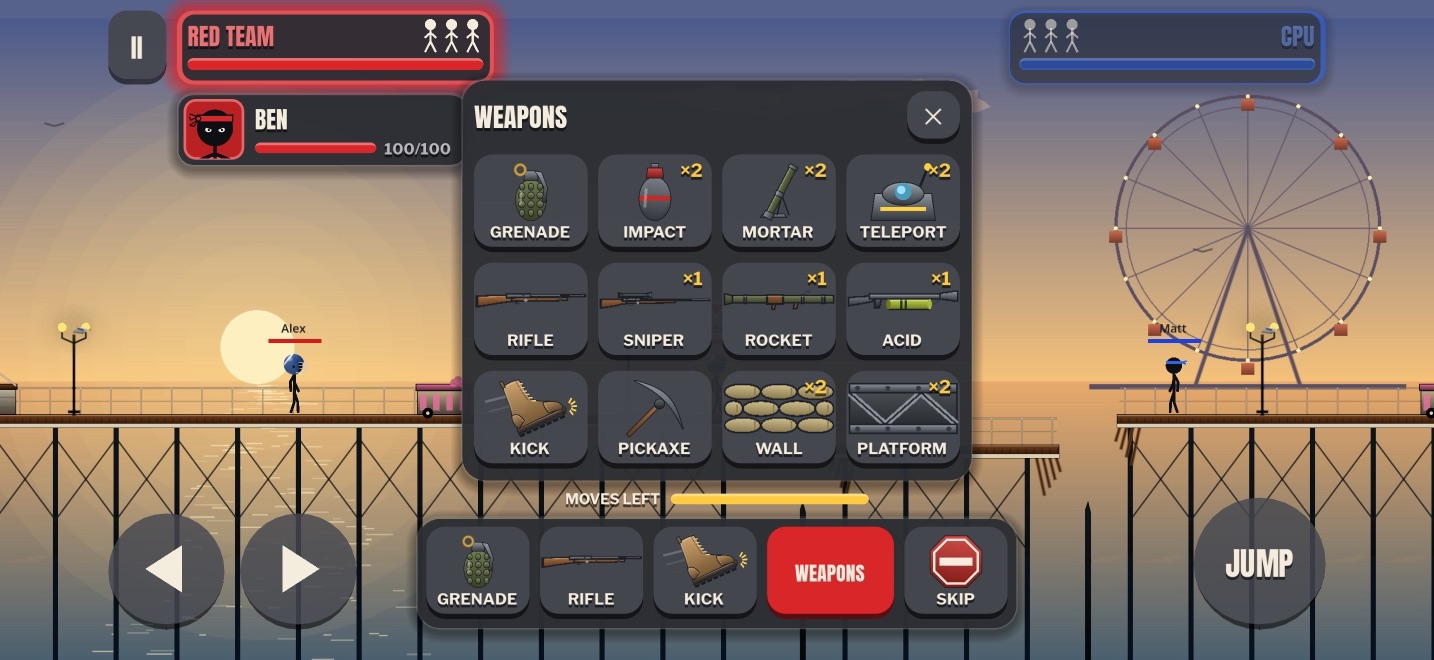
You start with the grenade, rifle and kick. Each of the first campaign missions unlocks another, up to twelve. Online matches always have all twelve.
How do I get hats?
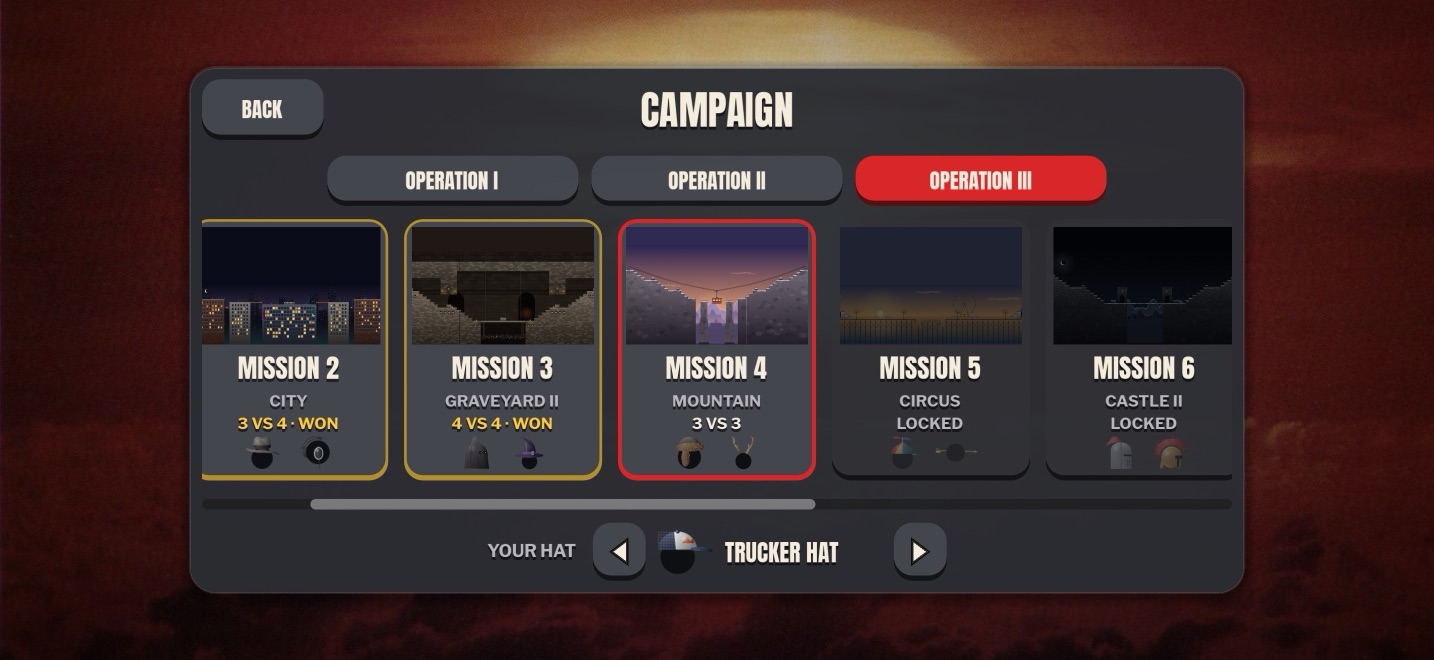
Every hat is a reward: win campaign missions, earn medals in the challenges, and hit lifetime milestones (the Stats page shows how close you are). Pick your hat on the campaign screen.
Can I turn off the blood, music or vibration?
Yes. Pause a battle for the Music, Haptics and Blood switches; the title screen also has a Music switch.
Which devices does it run on?
iPhone, on iOS 15 or later.
Privacy
Battlehill collects no personal information and has no ads, analytics or tracking. Read the privacy policy.